
Have you ever wondered how companies manage hundreds or thousands of employees efficiently? I'm excited to share my journey building a comprehensive Employee & Department Management System from scratch using modern web technologies. This article will take you through the entire process in an easy-to-understand way.
🎯 What We're Building
- Add new employees with just a few clicks
- Upload and manage employee photos seamlessly
- Organize departments with drag-and-drop functionality
- Search through hundreds of records instantly
- Get real-time insights through beautiful dashboards
That's exactly what we've created! This isn't just another boring database application – it's a stunning, user-friendly system that makes managing people feel effortless.
🏗️ The Architecture: Two Sides of the Same Coin
Think of our application like a restaurant:
- Frontend (React) = The beautiful dining room where customers interact
- Backend (Django) = The kitchen where all the magic happens behind the scenes
🎨 The Frontend: Where Beauty Meets Functionality
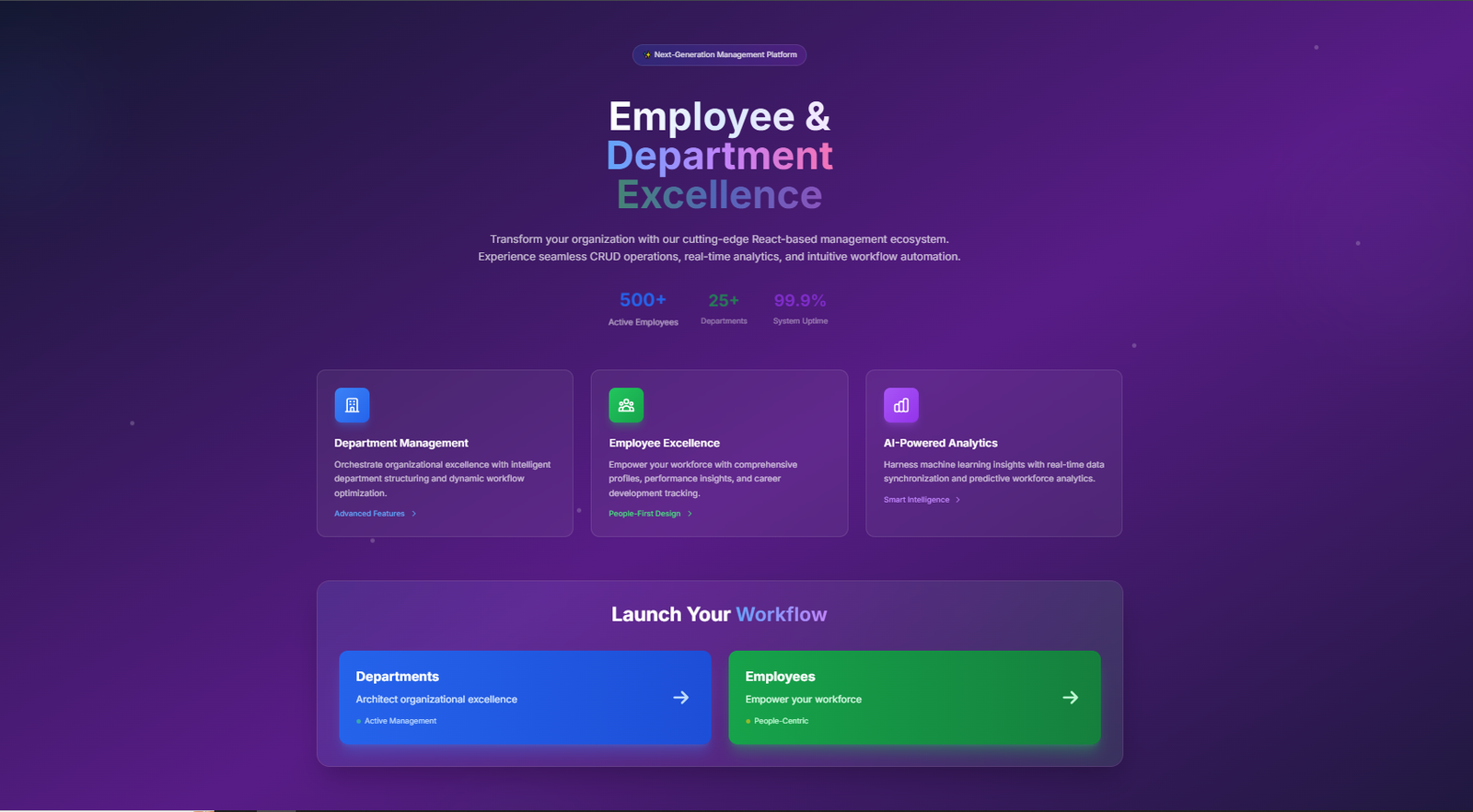
Our frontend is built with React – a popular JavaScript library that makes websites interactive and responsive. But what makes our interface special?
Visual Excellence
We've implemented what's called "glass morphism" – those beautiful translucent cards you see throughout the app. Here's a glimpse of how we achieve this effect:
This CSS creates cards that look like frosted glass – modern, elegant, and professional.
Smart User Interactions
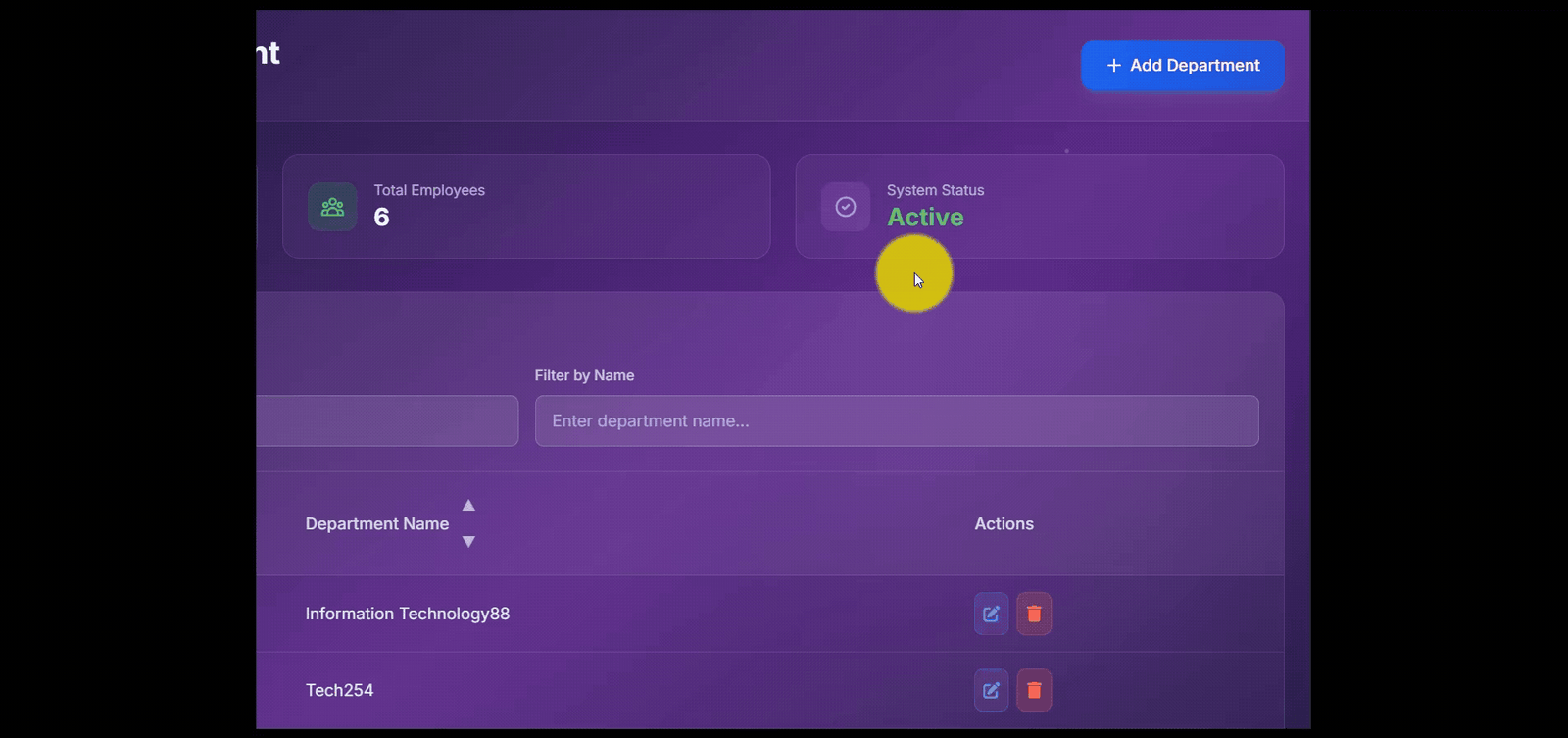
Every button, every hover effect, every animation serves a purpose. When you hover over an employee card, it gently lifts up. When you update or delete something, a beautiful confirmation modal appears. These aren't just visual treats – they provide crucial feedback to users.
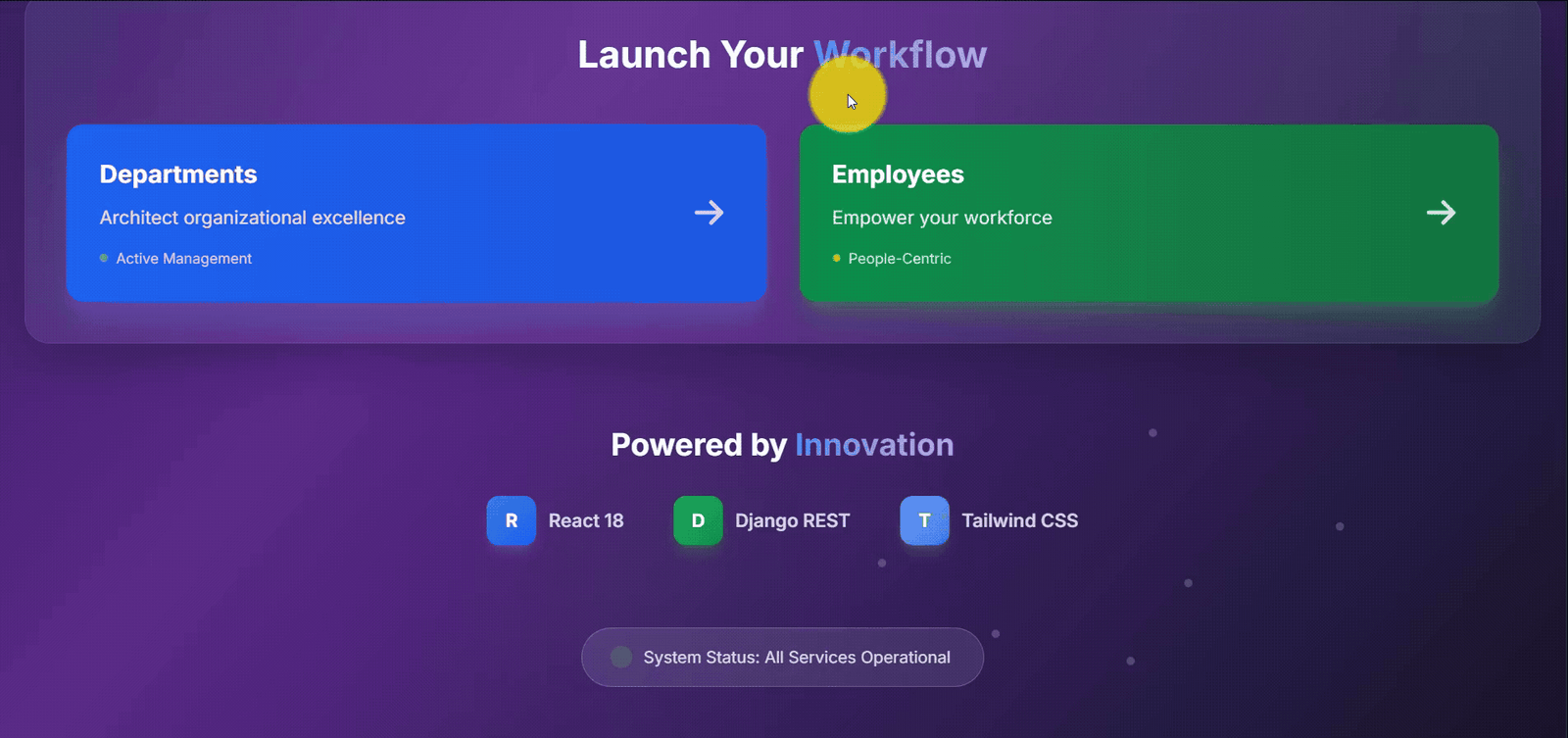
Responsive Design
Whether you're on a phone, tablet, or desktop, our interface adapts perfectly. We use Tailwind CSS – a utility-first framework that lets us create responsive designs with code like:
🔧 The Backend: The Powerhouse Behind the Scenes
Our backend uses Django – a Python framework known for its "batteries included" philosophy. Let me break down the key components:
Database Models: The Foundation
Think of models as blueprints for our data. Here's how we define an employee:
This tells Django exactly what information we want to store about each employee. Simple, yet powerful!
API Endpoints: The Communication Bridge
Our React frontend talks to Django through API endpoints – think of them as specific addresses where different types of requests are handled:
🎨 The Magic of Modern UI/UX
Color Psychology in Action
We didn't just pick colors randomly. Our design uses:
- Blue gradients for trust and professionalism (departments)
- Green accents for growth and harmony (employees)
- Purple highlights for creativity and innovation (analytics)
- Dark theme to reduce eye strain and feel modern
Micro-Interactions That Delight
Every small interaction matters. When you:
- Search for an employee → Results filter in real-time
- Upload a photo → Smooth progress animation appears
- Delete a record → Confirmation modal slides in elegantly
- Save changes → Success toast notification appears
🛠️ Key Features That Set Us Apart
1. Smart Photo Management
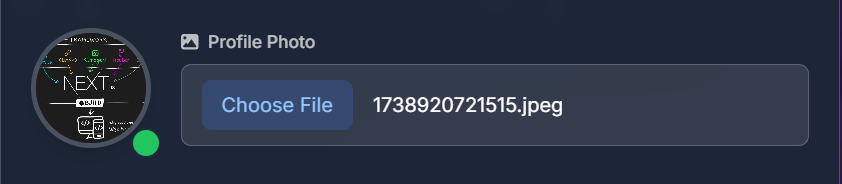
Employees can upload photos, and if something goes wrong, we gracefully fall back to a default image. No broken image icons here!
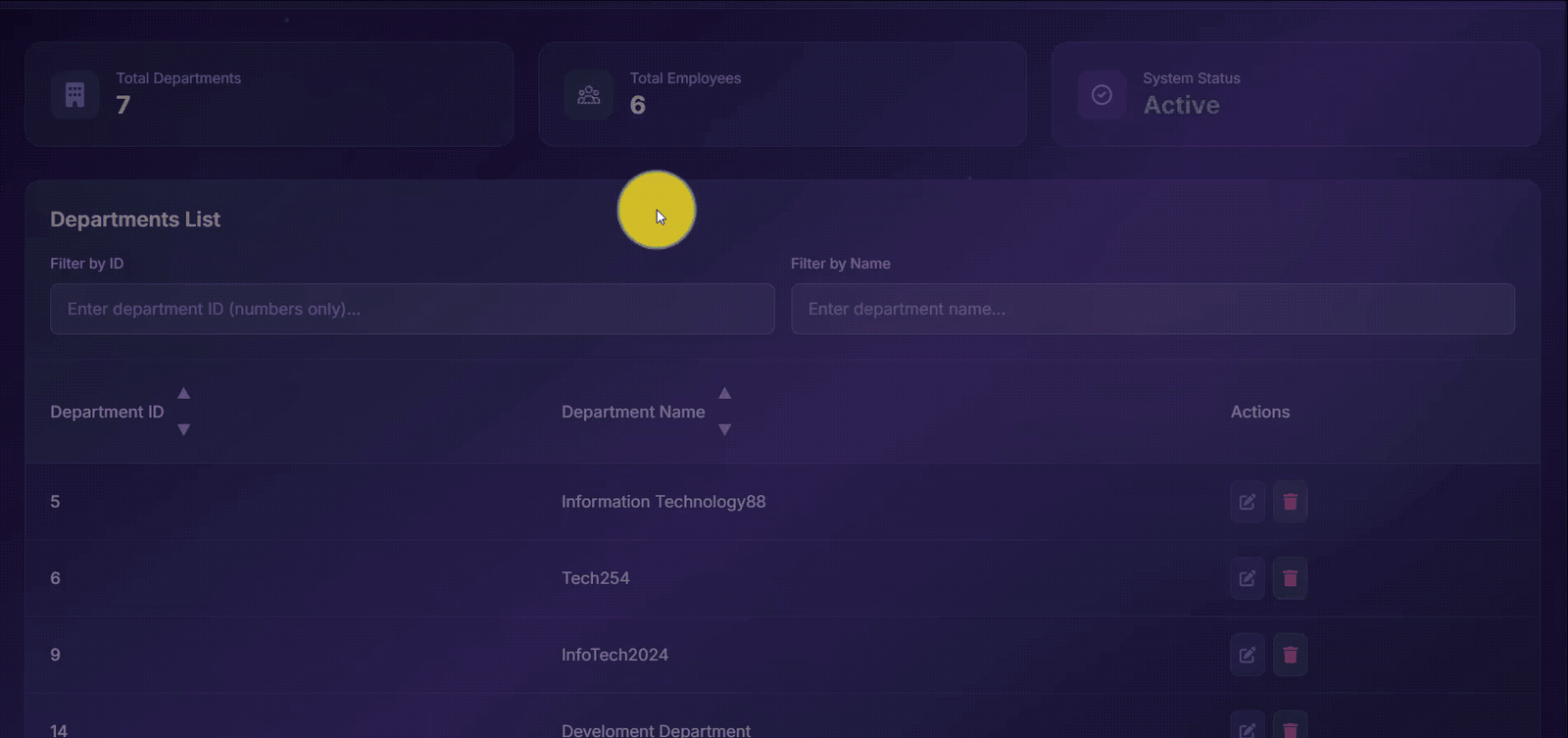
2. Advanced Filtering System
Our filtering is smart:
- Department ID filter only accepts numbers
- Name filter accepts any characters
- Real-time results as you type
- Auto-clear functionality when you empty the search
3. Toast Notifications System
Instead of boring alert boxes, we created beautiful toast notifications:
🔒 Security & Best Practices
Secret Key Management
We never hardcode sensitive information. Our Django secret key is generated securely:
This ensures every installation has a unique, secure key that's never exposed in version control.
File Upload Security
We handle file uploads safely, validating file types and storing them securely outside the web root.
📱 Mobile-First Approach
Mobile usage often exceeds desktop. Our application works flawlessly on all devices thanks to:
- Responsive grid layouts that adapt to screen size
- Touch-friendly buttons with proper spacing
- Optimized images that load quickly on mobile networks
- Simplified navigation for smaller screens
🚀 Performance Optimizations
Frontend Optimizations
Backend Optimizations
- Database indexing for faster queries
- Pagination for large datasets
- Image optimization for faster loading
- Caching strategies for frequently accessed data
🎓 What You Can Learn From This Project
For Non-Technical Readers:
- How modern web applications are structured
- Why user experience design matters
- The importance of responsive design
- How frontend and backend work together
For Technical Readers:
- React Hooks patterns for state management
- Django REST Framework best practices
- Tailwind CSS for rapid UI development
- Component architecture for reusability
- API design principles
💻 Source Code
The complete source code is available on GitHub↗ with detailed setup instructions. Perfect for:
- Learning modern web development
- Contributing to open source
- Using as a foundation for your own projects
🛠️ Quick Setup
Getting started is easier than you think:
🎯 What's Next?
This project demonstrates the power of modern web development tools. Future enhancements could include:
- Real-time notifications using WebSockets
- Advanced analytics with data visualization
- Multi-tenant architecture for multiple companies
- Mobile app using React Native
- AI-powered insights for HR analytics
💭 Final Thoughts
Building this Employee Management System has been an incredible journey through modern web development. We've combined beautiful design with robust functionality, creating something that's not just technically sound but genuinely enjoyable to use.
The beauty of modern web development lies in how technologies like React and Django allow us to build complex, feature-rich applications that feel simple and intuitive to users. Every line of code serves a purpose, every design decision enhances the user experience.
Whether you're an HR manager tired of spreadsheets, a developer looking to learn new technologies, or a business owner considering a custom solution, I hope this project inspires you to think about what's possible with the right tools and approach.
Share this article
Send it to someone who would find it useful.